Hyde Island handoff

Network GPS Test

One page for the two pieces: the Android APK on your phone and the live browser receiver on your desktop.

Install the APK

Scan this on your Android phone, download the APK, then tap it to install. If prompted, allow installs from the app you used to open it.
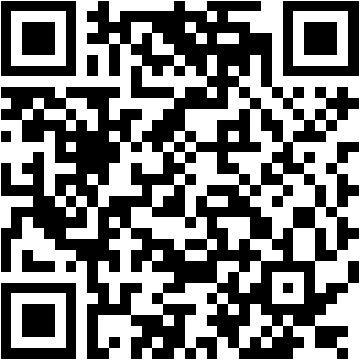
QR code for the Network GPS Test APK APK Link

https://hydeisland.org/app-store/apks/network-gps-test-debug.apk
Open the Receiver

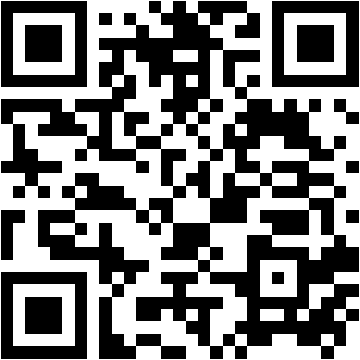
Scan this or open it in a browser on your desktop, enter the same decimal channel id as the Android app, and connect.

QR code for the Network GPS Test browser receiver Receiver Link

https://hydeisland.org/app-store/network-gps-test/

  1. Install the APK on your phone.
  2. Launch the app and generate or choose a decimal channel id.
  3. Open the receiver page on a desktop browser.
  4. Enter the same channel id on both sides and connect.
  5. Leave the Android foreground service running to keep telemetry flowing with the screen off.